


Established in 1868 as the Bangalore United Services Club, the Bangalore Club is one of the oldest and most prestigious Clubs in India.
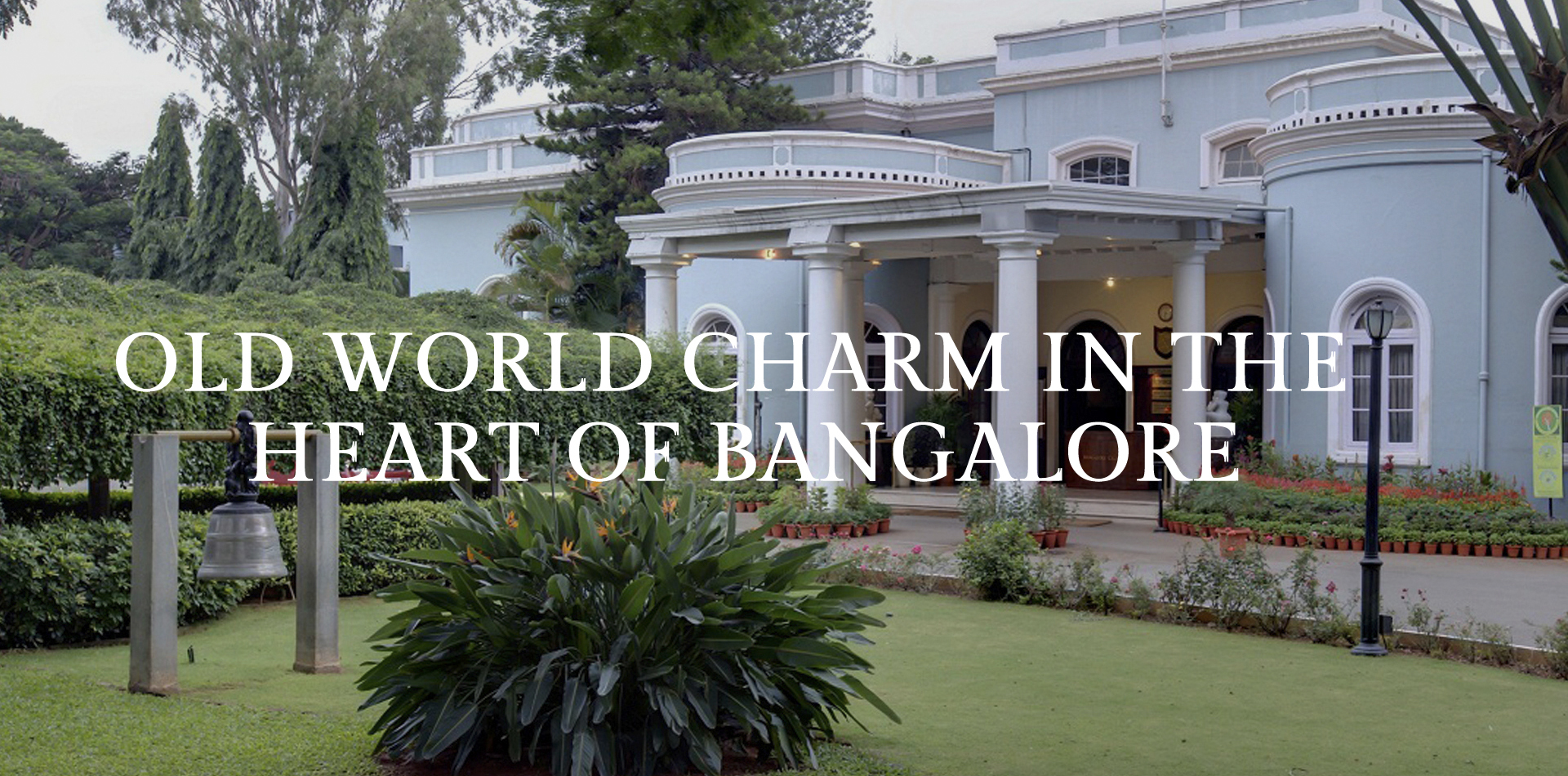
Established in 1868 as the Bangalore United Services Club, the Bangalore Club is one of the oldest and most prestigious Clubs in India.
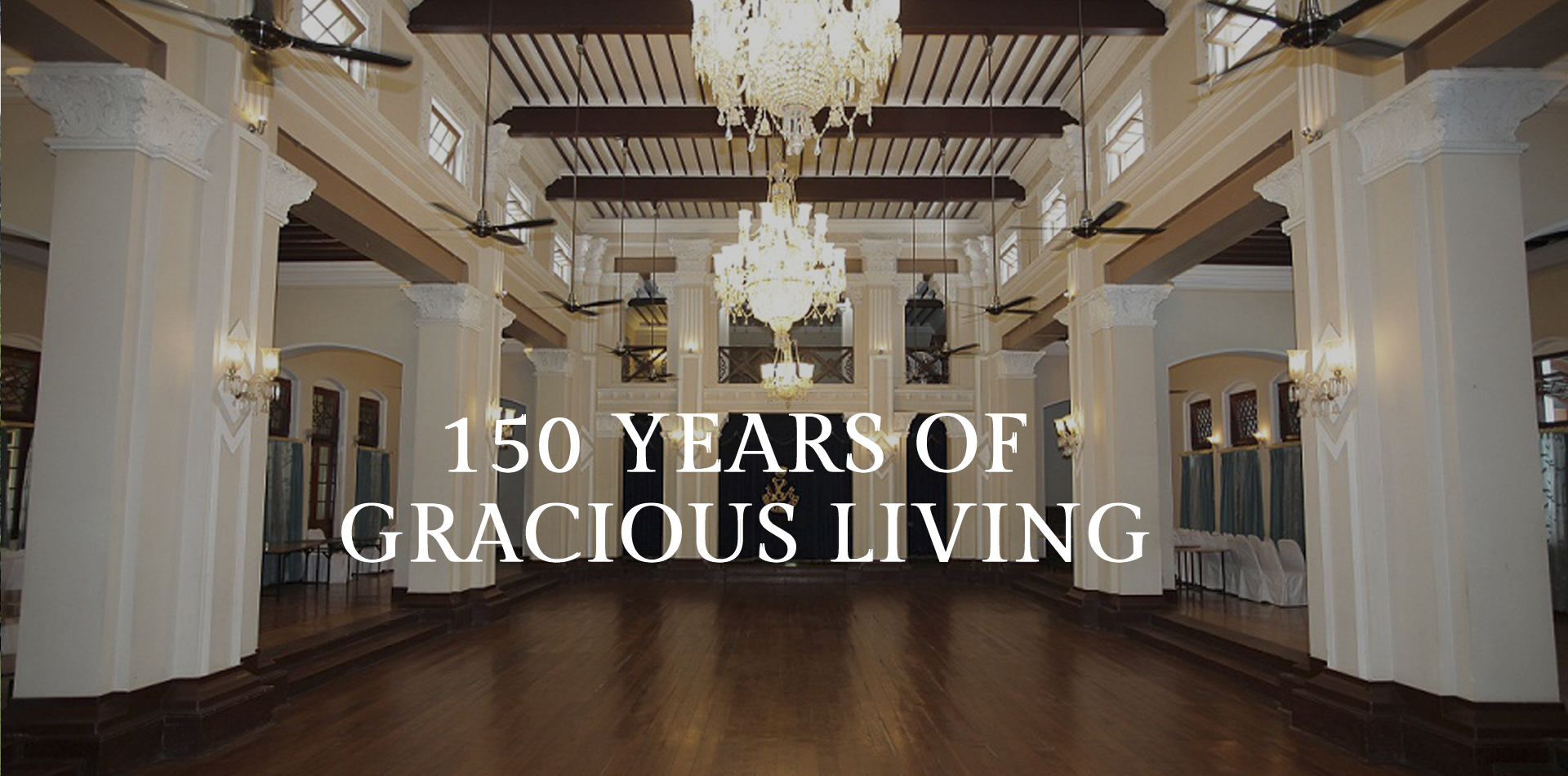
Over its 150 year history, the Bangalore Club has been a meeting ground for generations of Bangalore families and its members have been leaders of public affairs, industry and commerce in the city.
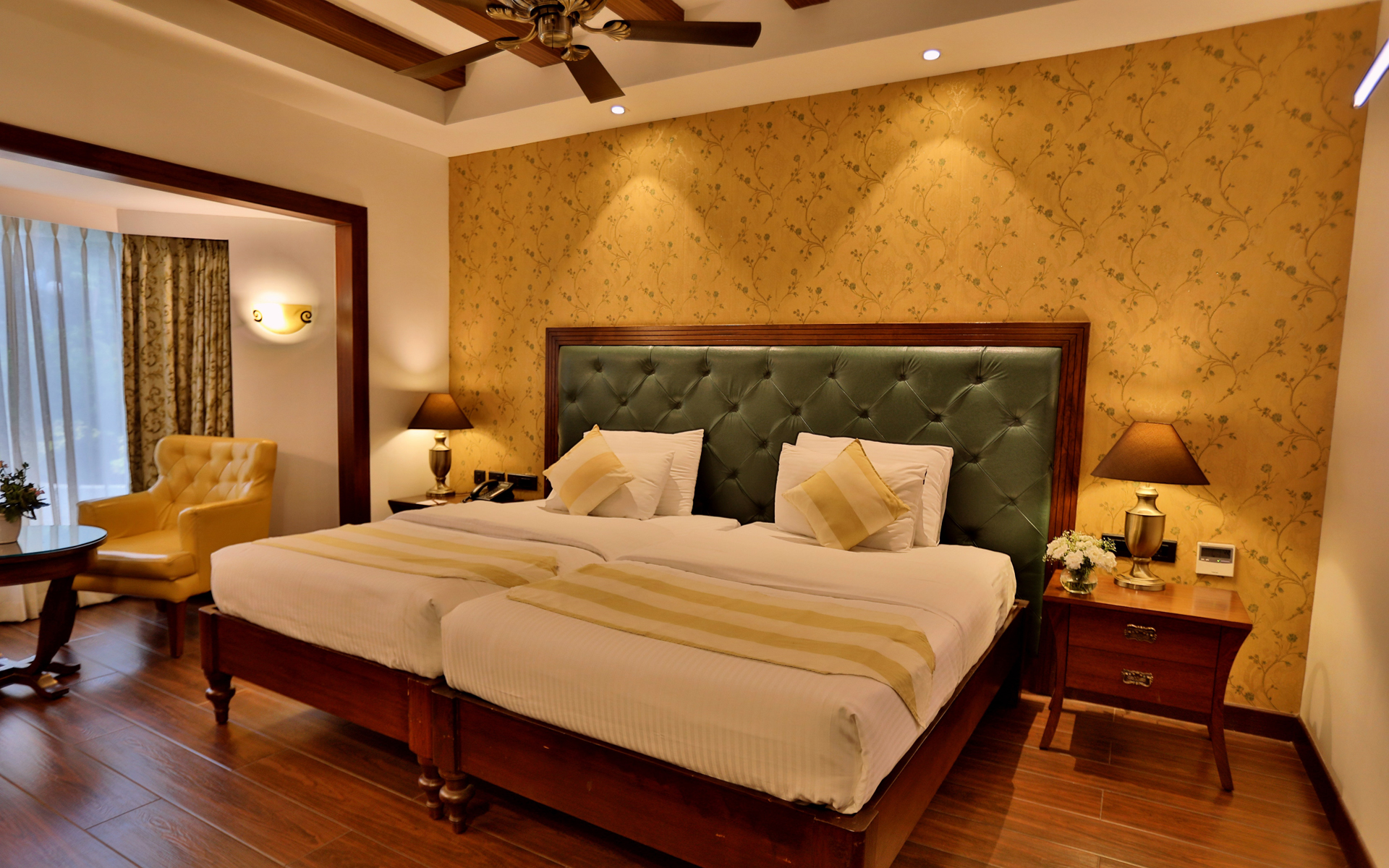
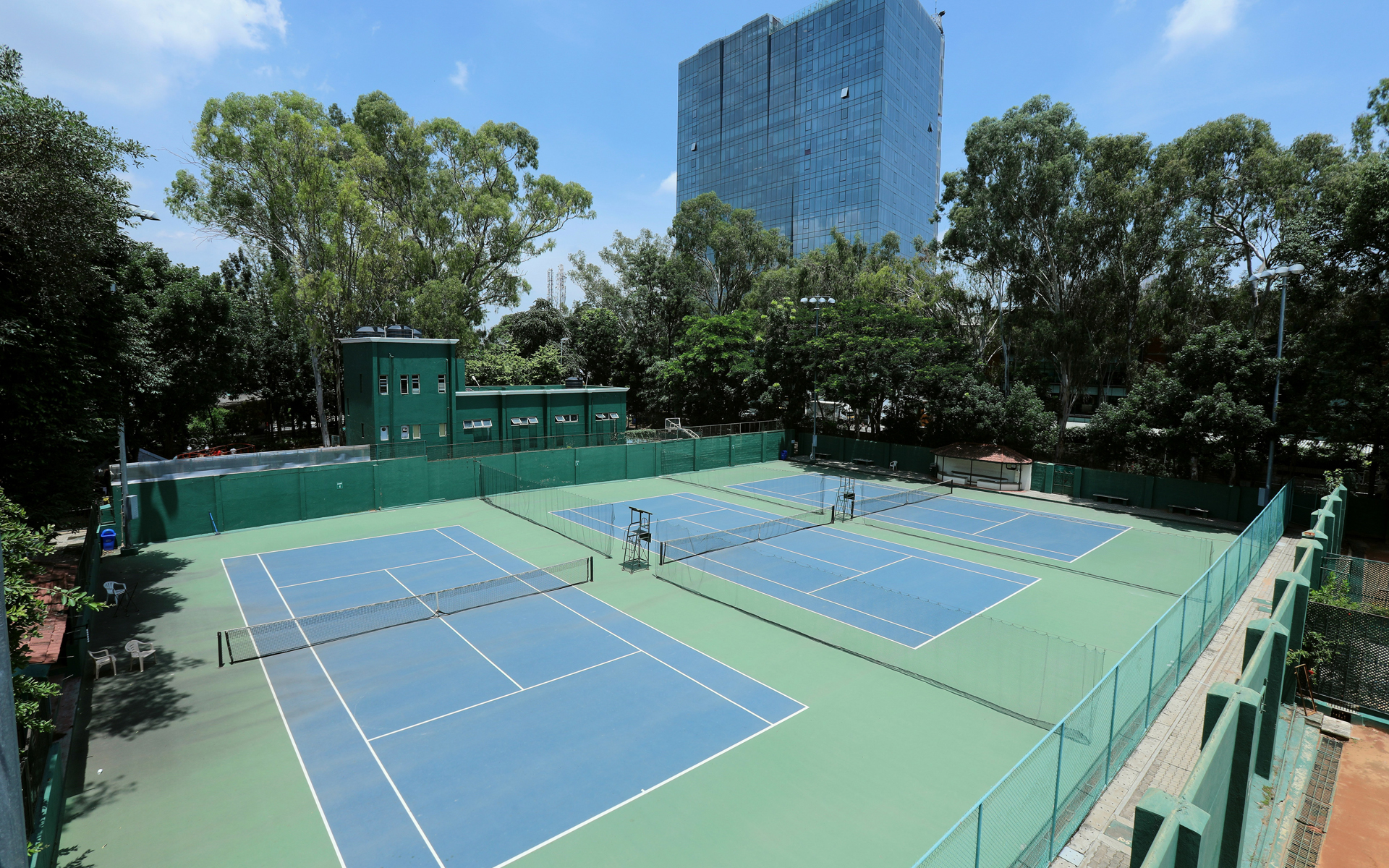
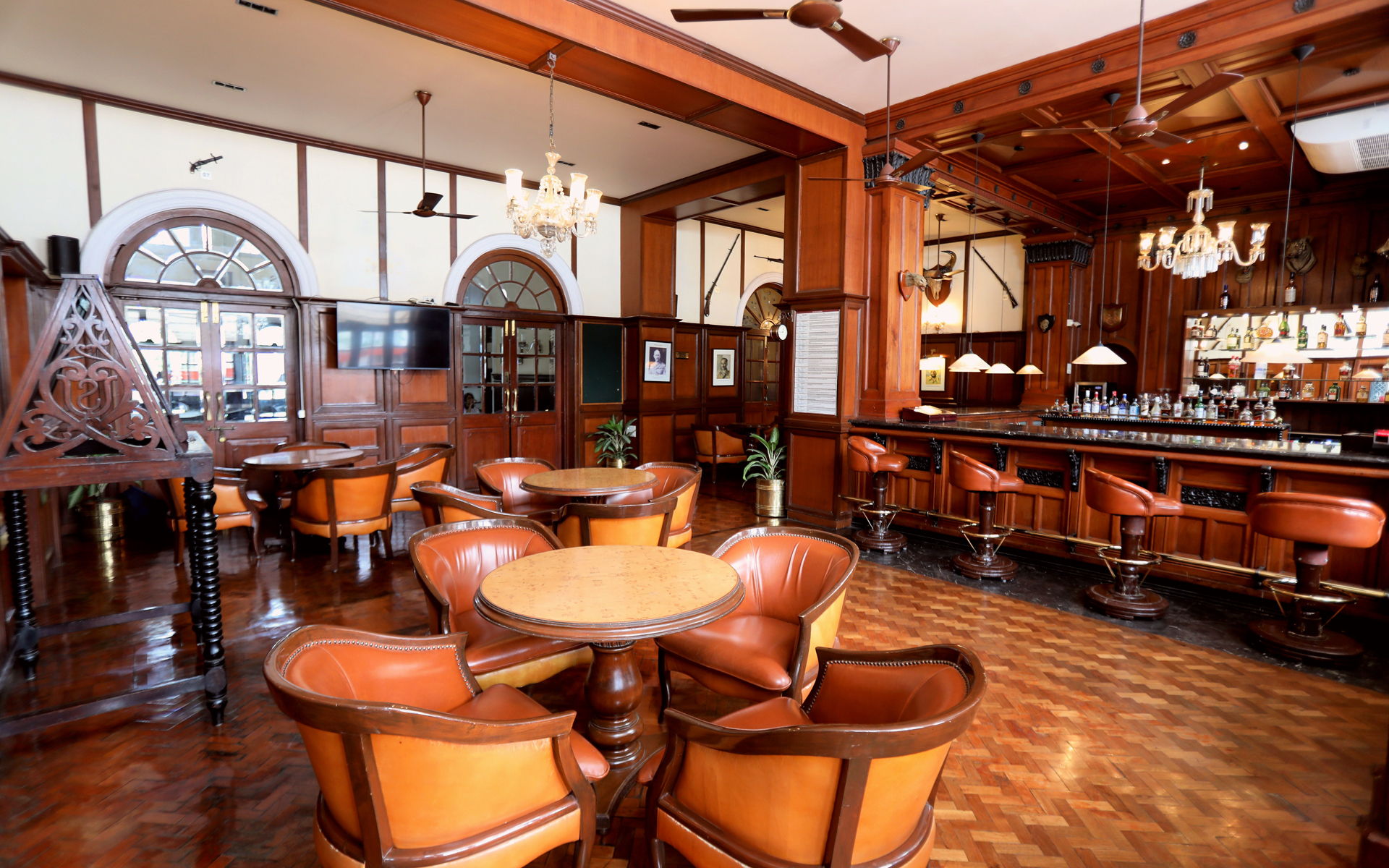
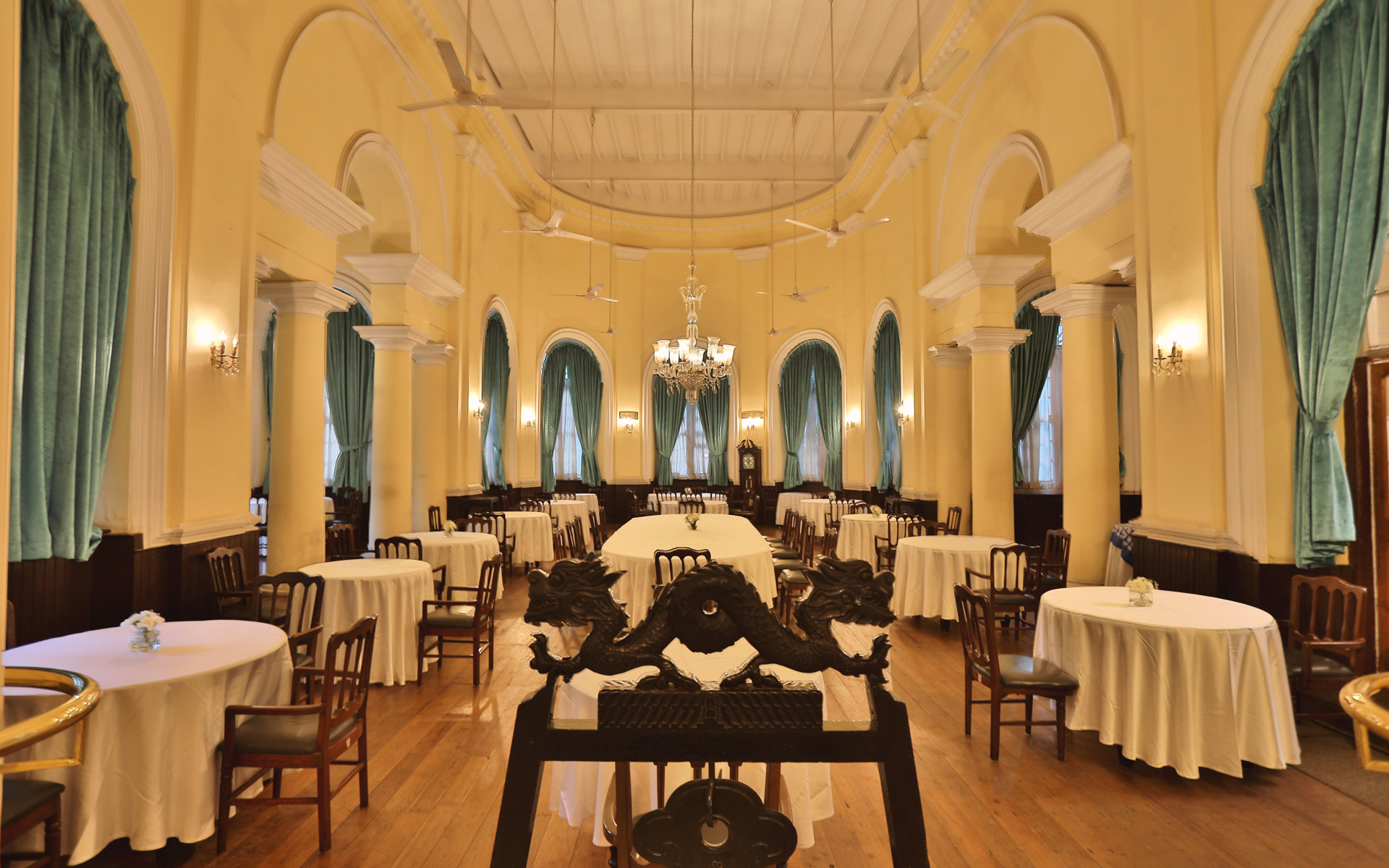
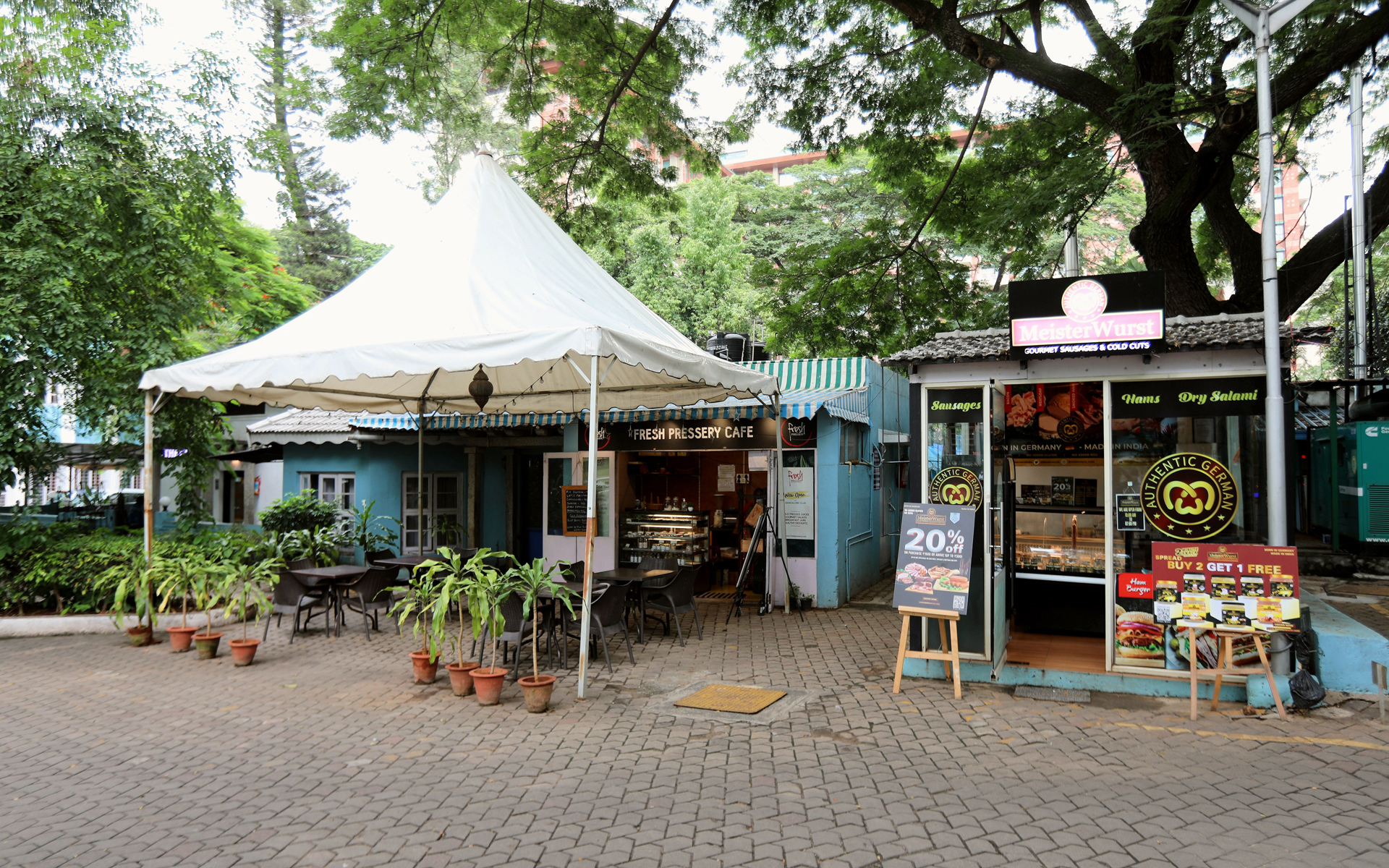
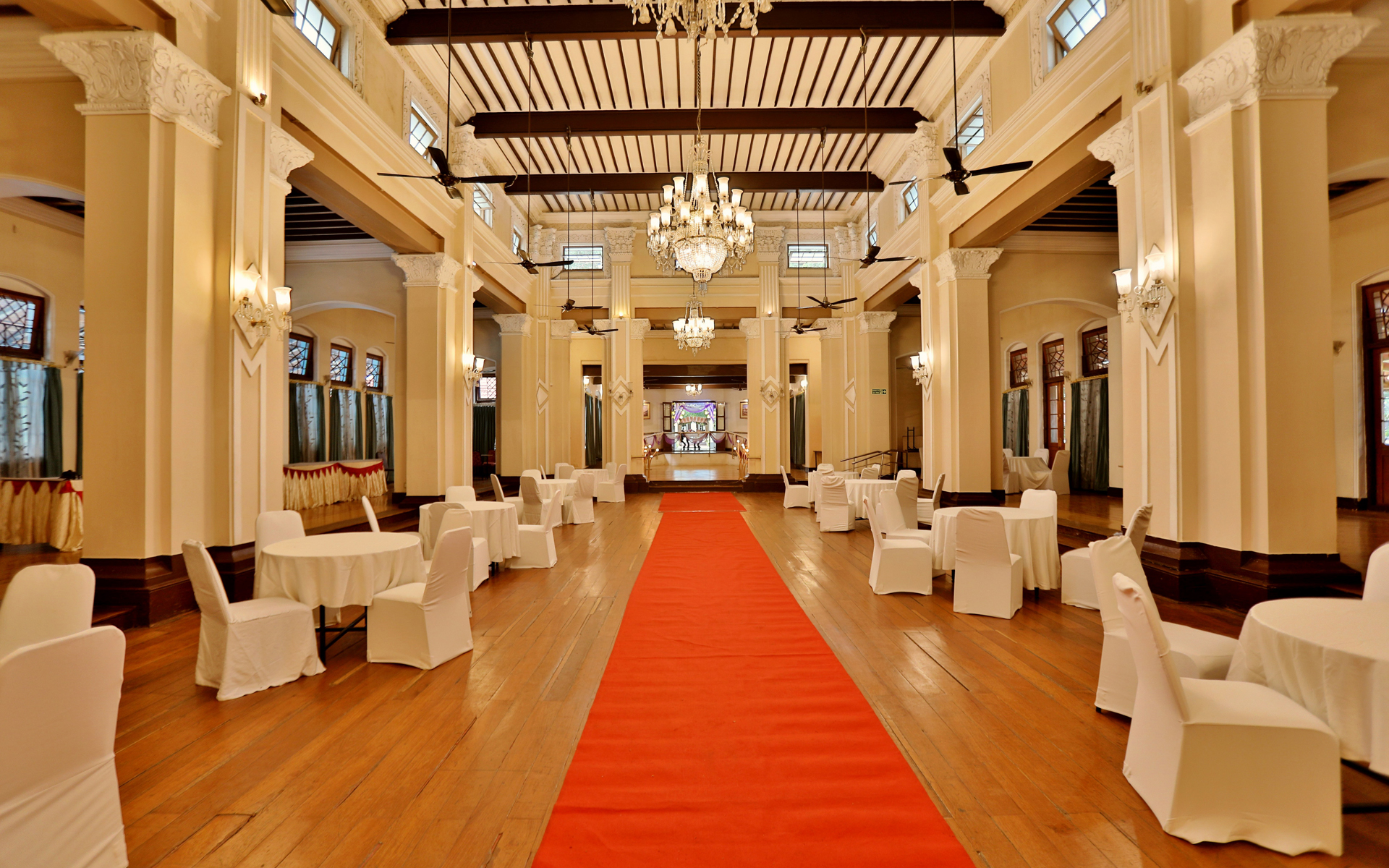
Set in 15 acres of beautiful, green surroundings in the heart of Bangalore, the Club is renowned for its quiet elegance and sophisticated lifestyle. Here, the elite membership come to relax, unwind and experience good times and gracious living. From sports and gym to banquets, bars and accommodation, Bangalore Club provides the best facilities for its members who fondly regard it as ‘a home away from home’.